Minecraft builds · 3D viewer · build guides
Explore builds in 3D and rebuild them block by block.
Upload your schematics, show them to the community and help others rebuild them layer by layer. Right in the browser, no mods.
- Builds
- 42
- Creators
- 4
- Formats
- 5
Freshly uploaded
Newest builds
How it works
From schematic to build guide
-
1
Upload
Pick your schematic or structure file, set category and size – done. The team reviews every build before it goes live.
-
2
View in 3D
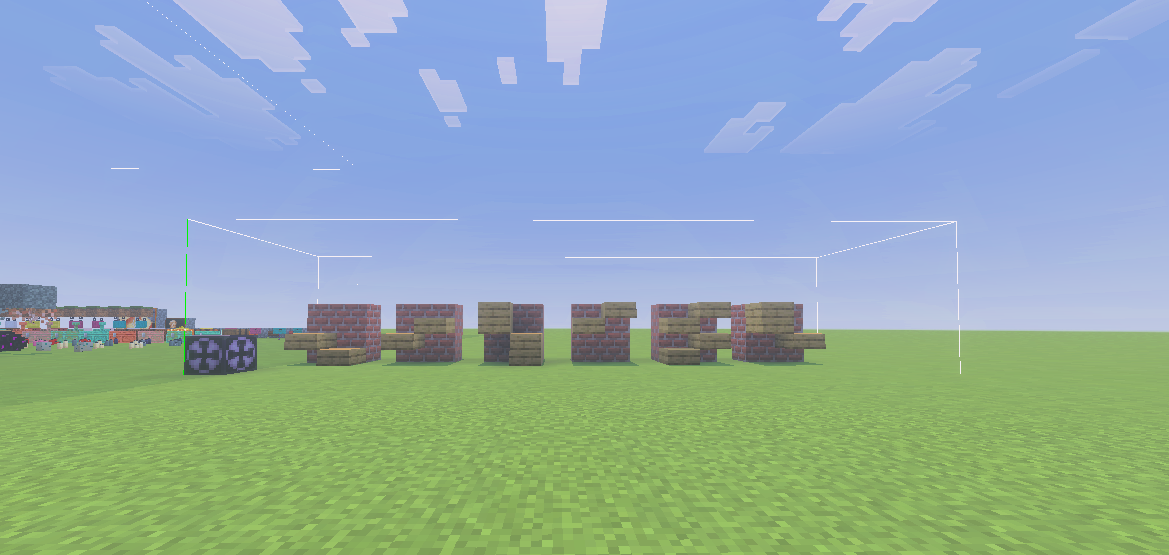
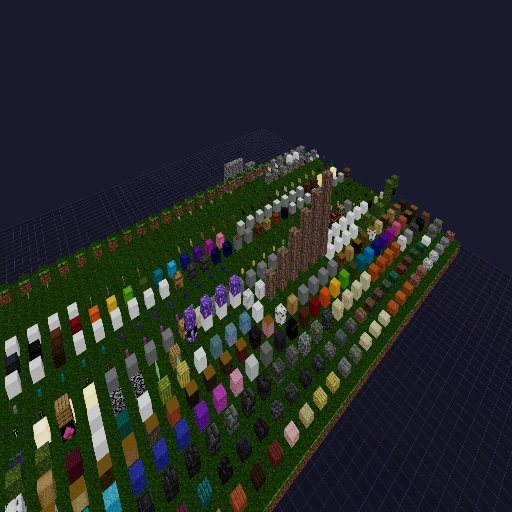
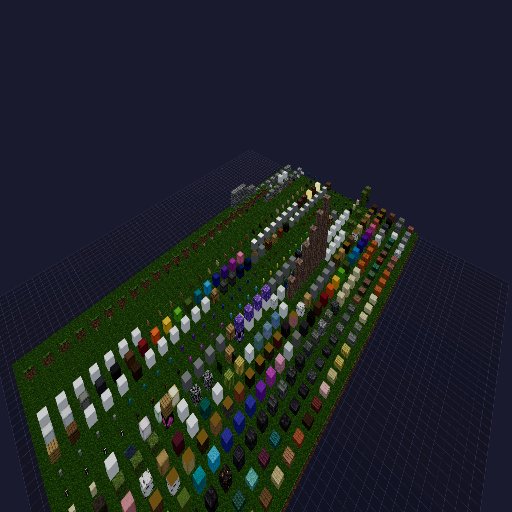
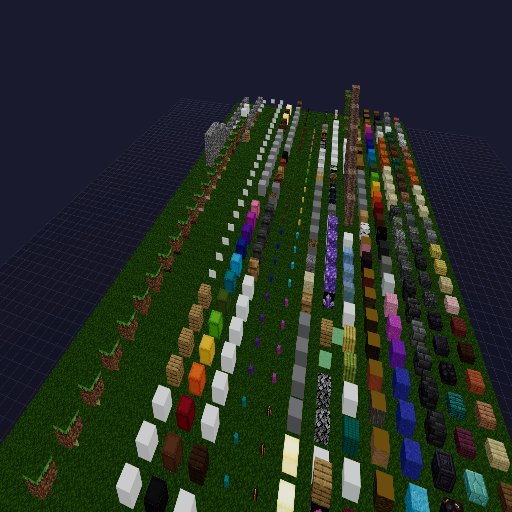
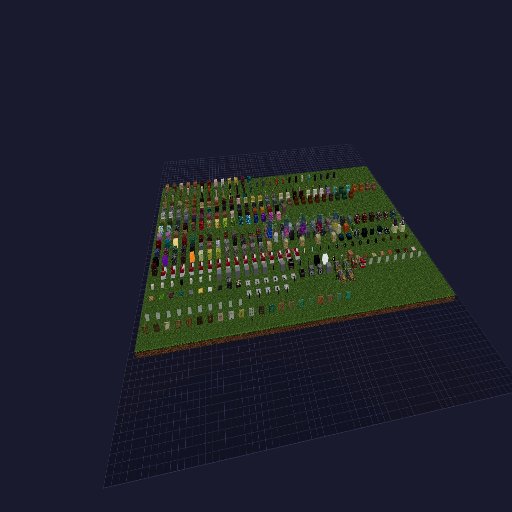
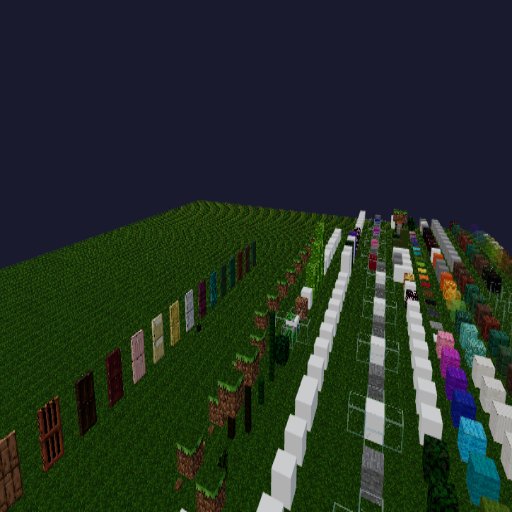
The viewer renders your build with real block textures right in the browser. Rotate, zoom, fullscreen, screenshot.
-
3
Rebuild layer by layer
Ghost and build mode show every layer on its own, and the material list tells you what to gather.
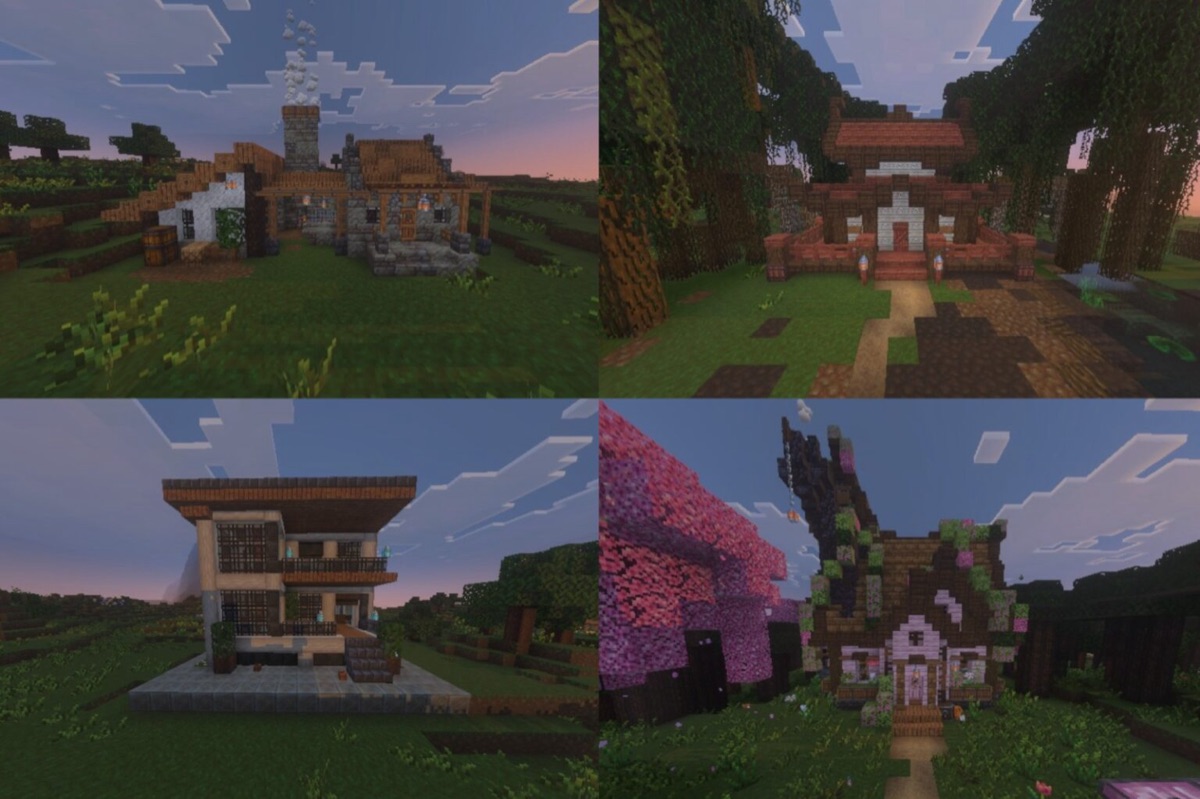



Community
Join in!
Become part of the Blockspo community. Upload your first build and get inspired by thousands more.
- Sign up for free and start right away
- Builds in real 3D instead of just screenshots
- Rebuild layer by layer – with a material list
henrimenri, LatzhosenFred and 2 more are already on board. See all creators
Community favorites
Popular
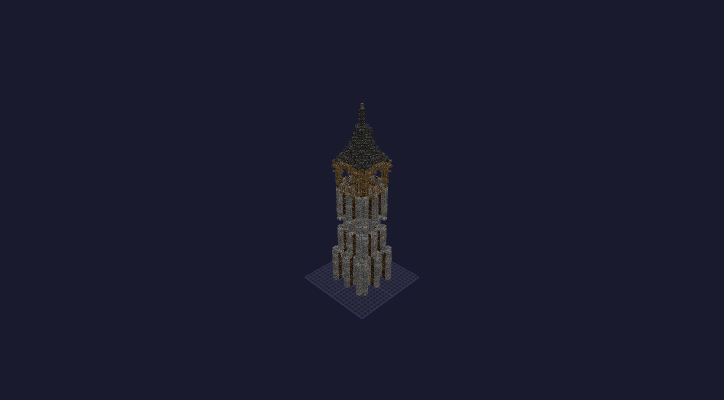
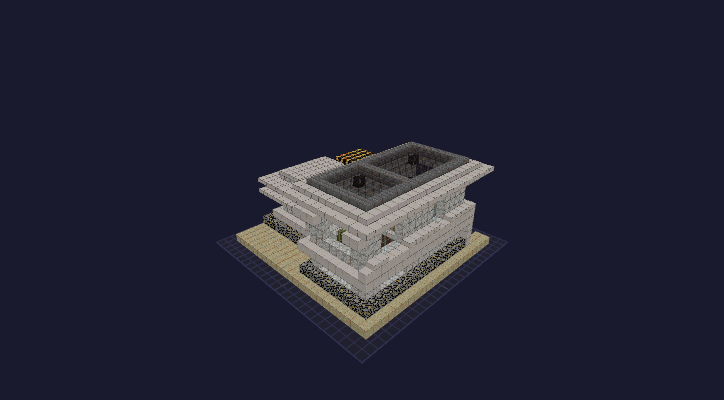
Supported formats
Java, Bedrock and 3D models
Every file is parsed in the browser – the server computes nothing, your file stays exactly as it is.
- Litematic.litematic · Java
- Sponge Schematic.schem · Java
- MCEdit Schematic.schematic · Java
- MCStructure.mcstructure · Bedrock
- glTF / GLB.glb · 3D model